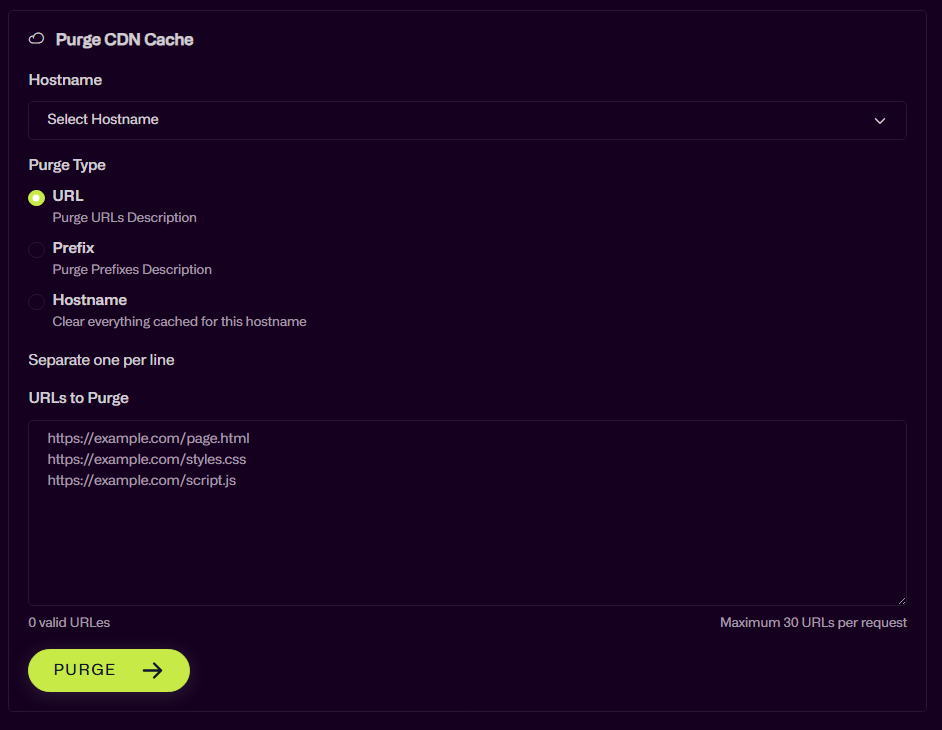
How can I purge the CDN cache?
Login to UmbPanel and browse to the service which you would like to purge the CDN for and then click on the “Manage CDN” button:
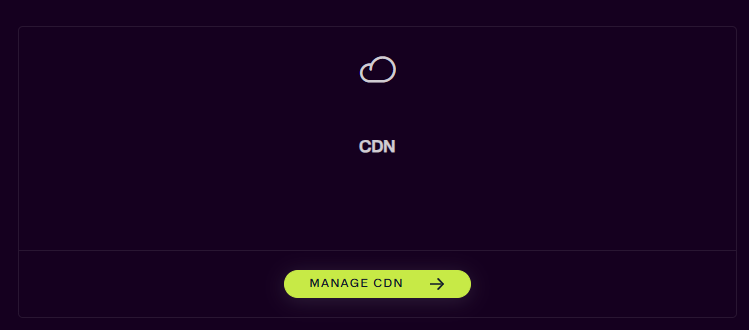
Note: If you cannot see the button, open a support ticket, we may need to relink your account to Cloudflare.
Once in the Manage CDN area you can choose the Hostname from the dropdown and then purge the CDN as required.